


On this page
1. What an alert can do, and what it can't
An alert is monitoring plus a heads-up. It tells you "something new has appeared". Looking and acting is up to you.
| A free alert can | A free alert can't |
|---|---|
| Email you when a new page indexed by Google contains your name or username | See private messages, private accounts, closed groups or messaging apps |
| Notify you when your contact details appear in Google results (if the tool is available to you) | See a page Google hasn't indexed yet, or never will |
| Give you a dated starting point for your evidence | Find a fake profile that doesn't use your exact name |
| Save you time compared with checking by hand | Spot your face in a brand-new image, such as a deepfake |
Keep two limits in mind. First, fake accounts on Instagram, TikTok or Facebook don't always show up in Google, and often show up late. Second, a deepfake is a new image: a reverse image search mostly finds copies of your existing photos, not necessarily a manipulated version. Friends and followers often spot things first, so ask them to tell you.
2. Set up a Google Alert for your name
Google Alerts emails you whenever Google finds new results matching the topic you follow. It's free and needs a Google Account.
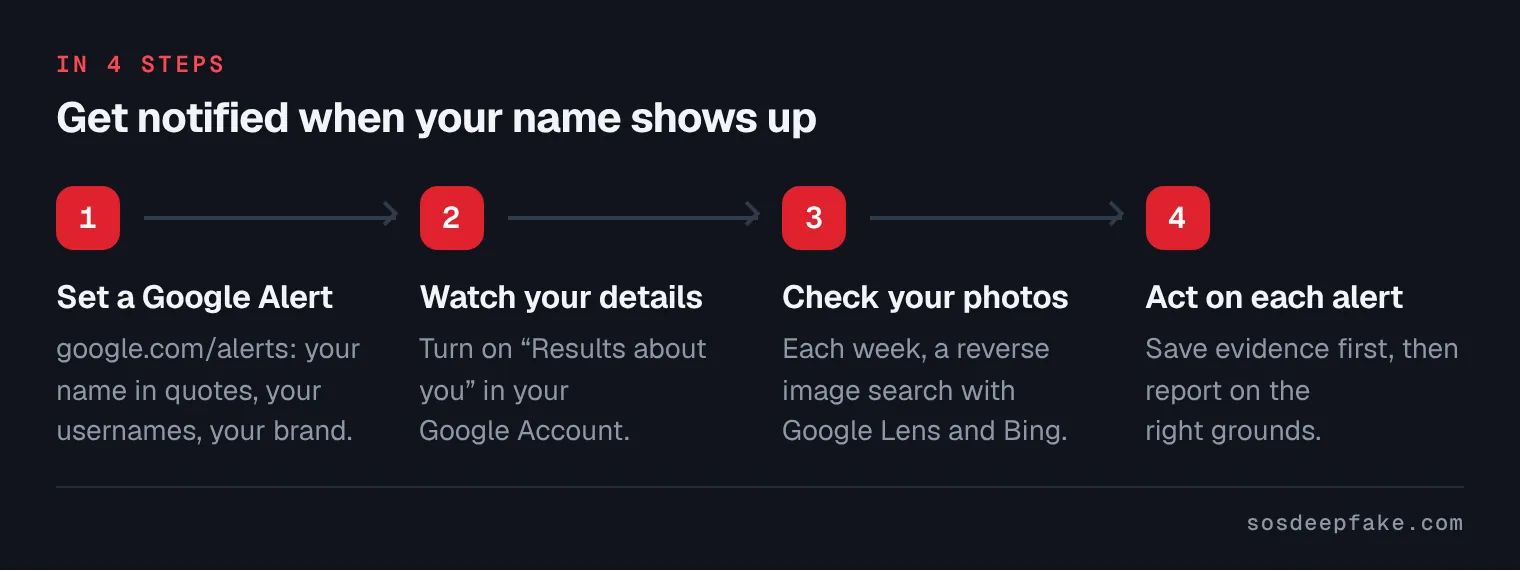
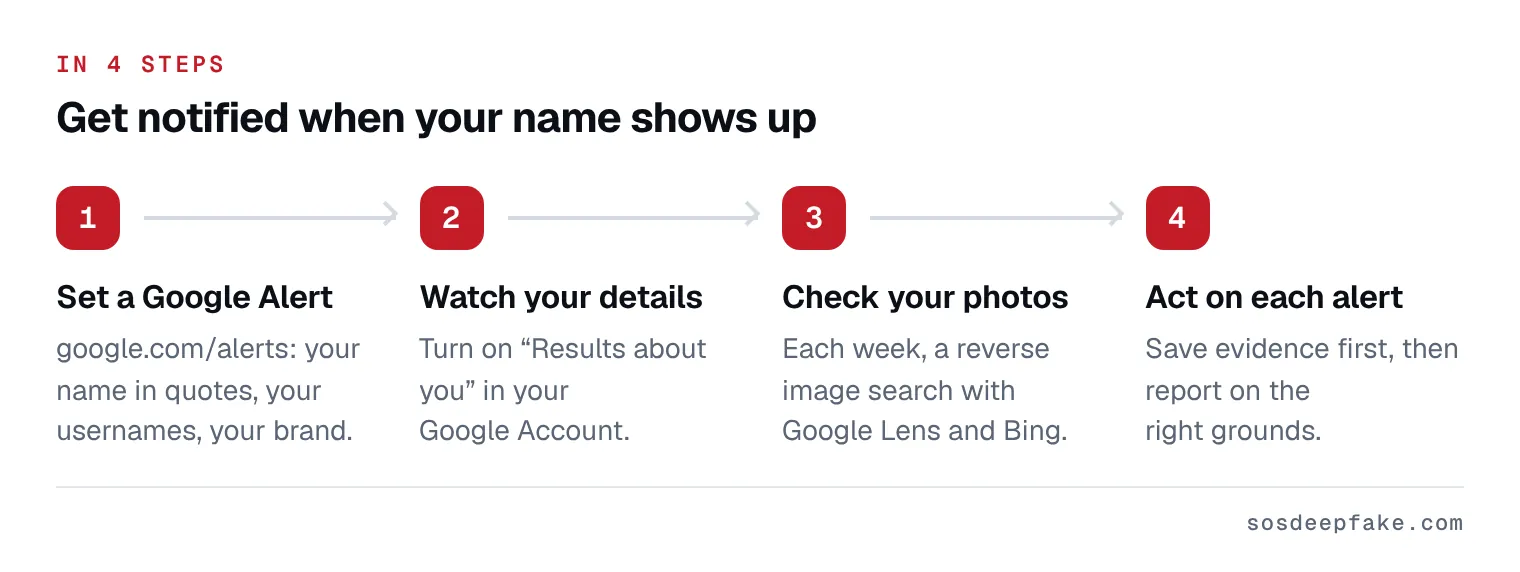
- Go to google.com/alerts.
- In the box at the top, type what you want to follow (see the table below).
- Click "Show options" to set how often you get notifications, the types of sites, your language, the part of the world, how many results you want and which account gets the alert.
- Click "Create Alert".
- Repeat for each variant: one alert per query is easier to read.
To stop an alert, click Delete next to it in Google Alerts, or "Unsubscribe" at the bottom of an alert email.
Which alerts to create. Quotation marks ask Google for an exact match, and a minus sign excludes a word.
| What to follow | Example query | Why |
|---|---|---|
| Your full name | "Jamie Carter" | The basics |
| Reversed name | "Carter Jamie" | Directories, lists, sloppy fake profiles |
| Name + a sensitive word | "Jamie Carter" deepfake, "Jamie Carter" nude, "Jamie Carter" fake account | Catch the most serious pages early |
| Each username | "jamie.carter.official" | Fake accounts often copy your handle with an extra dot or dash |
| Username variant | "jamiecarter_official" | Same reason |
| Brand or practice name | "Carter Studio" | Fake websites, listings and offers |
| A noisy namesake | "Jamie Carter" -football | Exclude a namesake who floods the results |
Pick a frequency you'll actually read, and choose all results rather than only the best ones when you start. If your name is very common, add your city or job to cut the noise.
3. "Results about you": an alert when your contact details appear
Google offers a tool in your account called "Results about you". It checks whether your phone number, home address or email address appears in Search results, and lets you request removal of those results.
- Go to myactivity.google.com/results-about-you, or in the Google app, tap your profile picture, then "Results about you".
- Select "Get started" and enter your name and the contact details to monitor. You can add a nickname, a maiden name and several numbers, addresses or emails.
- At the notifications step, choose email or Google app notifications. Google says it will notify you when new results matching your personal info are found.
Good to know. Google says some features are rolling out to users over 18 in certain markets. Open the link to see whether it's offered on your account. In February 2026, Google announced that it was adding government ID numbers (driver's license, passport, Social Security number), starting in the US. The tool monitors your contact details, not your photos. Removing a result from Google doesn't delete the page from the site that hosts it. More: remove a Google result.
4. Your photos and your face: a weekly reverse image search
No free alert searches for your photos for you. What works is manual and regular.
- Pick 3 to 5 reference photos: your current profile picture, the one on your website, one that's been widely shared. Keep them in a folder.
- Google Lens: on google.com, click the "Search by image" icon, then upload a file. In Chrome, right-click an image and choose "Search with Google Lens".
- Bing: on the Images tab, click the camera icon, then upload the photo or paste its URL. Bing lists sites using the same picture and similar images.
- Note what's new compared with last week.
Be realistic: reverse image search mostly finds your photos reused as they are or lightly edited. It won't reliably find a fake profile, let alone a deepfake. Our guide someone is using my photos covers more tools and your options.
5. Alerts offered by the platforms
A few platforms have their own tools. They are limited and only open to some people.
- YouTube likeness detection: for channel owners or managers aged 18 and over, after identity verification (government ID and a short selfie video), YouTube Studio lists YouTube videos where your face appears to be altered or AI-generated. YouTube calls it experimental, says it isn't available in some countries, and it only covers YouTube. You then decide whether to request removal.
- Meta Verified: Meta's paid subscription advertises impersonation protection, including monitoring for accounts that pretend to be you. Meta doesn't describe any alert sent to subscribers.
- StopNCII is not an alert. It helps stop an intimate image from being shared on partner platforms. It doesn't notify you of anything.
6. The 10-minute weekly routine
Pick a fixed day and set a reminder.
| Minutes | What | Where |
|---|---|---|
| 2 | Read the week's Google Alerts emails and open anything new | Your inbox |
| 1 | Check whether "Results about you" shows a new result | myactivity.google.com/results-about-you |
| 3 | Reverse image search for 2 reference photos | Google Lens, Bing |
| 3 | Search your name and usernames in the search bar of Instagram, TikTok, Facebook and LinkedIn | Each network |
| 1 | Write down what you found, with the date | A simple spreadsheet |
Once a month, add a Google search for your name on the Images tab. After an incident, go to twice a week for a month: fake accounts sometimes come back under a new name.
7. When an alert goes off: what to do
- Don't click suspicious links sent to you, and don't contact the person behind it.
- Save evidence before you report: full URL, dated screenshots, exact handle. Our checklist: save evidence before reporting.
- Report on the right grounds, depending on what you found:
| What the alert shows | Our guide |
|---|---|
| A fake profile in your name | Fake profile: what to do |
| A manipulated image or video of you | Deepfake: what to do |
| A fake account contacting your followers | Warn your followers |
| Your contact details published | Remove a Google result |
Platform rules ban impersonation and non-consensual synthetic images, so a well-made report often works without going to court. The legal side depends on where you live. In most countries, using a false identity to get money is fraud. This page is general information, not legal advice.
What we do for you
An alert warns you; it doesn't remove anything. The Online Shield does both: monitoring with alerts, followed by action. Every day, an automated check. Every week, a full check-up of your online presence. The moment we find something, we act. Our team and our AI technology search, document, report and follow up, with formidable efficiency. Every report is checked before it is sent. We see what is public, just like you: not private messages. For people with a high profile, the Enhanced Shield adds Priority. If something is already online, our fake profile and impersonation removal and deepfake removal services handle it. Creators, healthcare professionals, experts: our page For visible professionals explains how we support people in the public eye. No result is guaranteed: the final decision belongs to the platform. Fixed price, refunded if no action is possible: see our pricing page. Private content leaking, or a fake account scamming people you know, right now? See our Emergency Response.
If a minor is involved or in danger, see help for under-18s. In an emergency, call 911 (US), 999 (UK and Ireland) or 112.
Verified by Léo, founder of SOS Deepfake.
See pricingFAQ
Is there a free alert that watches for my face on every site?
Should I pay for an alert service?
My alert finds nothing. Am I in the clear?
Sources
- Google Search Help, "Create an alert"
- Google Search Help, "Refine web searches" (quotes, minus sign)
- Google Search Help, "Results about you"
- Google blog, February 10, 2026, government ID numbers in Results about you
- Google Search Help, "Search with an image on Google"
- Microsoft, "Using Bing Visual Search"
- YouTube Help, likeness detection
- Meta Verified and announcement, February 2023 — https://about.fb.com/news/2023/02/testing-meta-verified-to-help-creators/
- StopNCII.org, FAQ